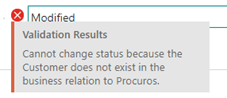
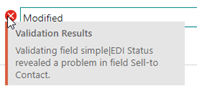
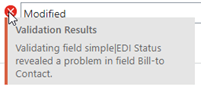
In the simpleEDI business relation page the “Business relation to procuros” flag is active for ship-to/bill-to customer and shipping addresses and a GLN is maintained.
In the simpleEDI business relation page the “Business relation to procuros” flag is active for the own company and a GLN is maintained.
If you want to import a document with an external document number that is in another (already posted) transaction.
If you want to import a document with an external document number that is in another transaction in your sales order list.
You have maintained the GTIN in the item master data.
In the simpleEDI business relation page the “Business relation to procuros” flag is active for ship-to/bill-to customer and shipping addresses.
In this document, the field “Procuros Transaction ID” does not contain a valid value.
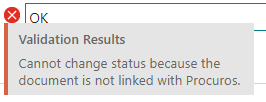
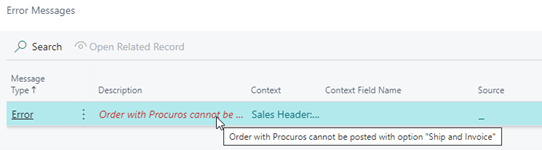
Check, if this document has to transfer to Procuros.
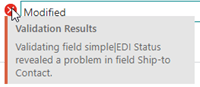
In this document, the field “Contact” does not contain a valid value that means first name and last name of your contact.
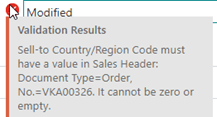
In this document, the field “Country/Region Code” does not contain a valid value.
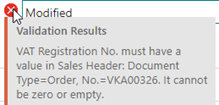
Check in your customer master data, if the field “VAT Registration code” is filled.
If not: maintain it and validate this customer once again into your order, that this field is transferred into the document
Eighter the checkbox “Send shipping notices” or “Send invoices”, or both checkboxes are active for the bill-to customer in the “simple|EDI Business Relation” page.